











Esc

↑↓ to move↵ to open

01Device management

Every device patched, watched and accounted for.

Monitoring and management for the laptops and desktops your team relies on. Updates go on, problems are caught early and you always know what you own.

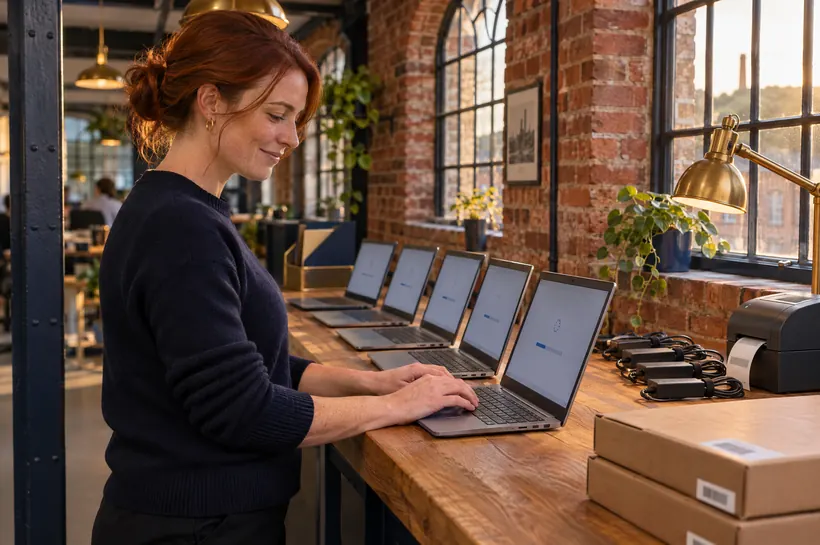
An ITXpress engineer setting up a row of new laptops on a workbench
Watches
Health, performance and security
Maintains
Updates, patches and clean-ups
Tracks
Hardware, software and lifecycle
Priced
Per user or per device, monthly

Remote monitoring and management

The best IT problem
is the one nobody had.

Most device trouble gives a warning first. A disk fills up, an update fails quietly, protection falls out of date. Left alone, each one turns into a lost morning for somebody.

Remote monitoring and management, RMM for short, puts a small agent on each device that reports its health to us in real time. Routine maintenance runs automatically, updates and patches are applied for you and anything unusual raises an alert. You get regular reports, and a clear record of every device you own.

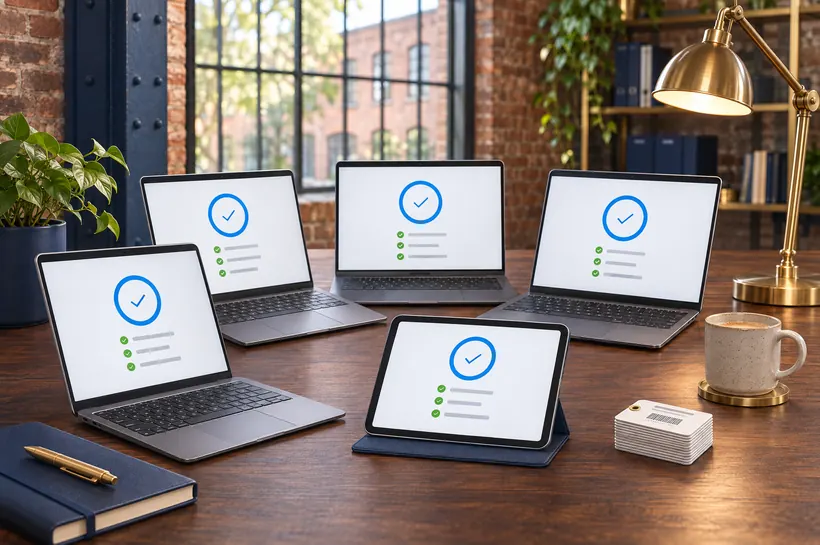
Four laptops and a tablet on a table, each showing a completed status ring with a tick

What’s included

Seven parts
of a well-kept device.

Available on its own as Device RMM, or together with a helpdesk for the people using the devices as User & Device Support.

01

Real-time monitoring

Per device · monthly

Device health, performance and security status, watched continuously.

  • Health and performance monitored in real time
  • Alerts on potential issues before they affect anyone’s work
  • Security status checked alongside performance

02

Updates & patch management

Per device · monthly

Software updates and security patches applied for you.

  • Software updates managed across your devices
  • Patches applied to keep devices secure
  • Update status monitored, so nothing is silently left behind
03

Automated maintenance

Included with Device RMM

The routine upkeep that keeps a device quick, done without anyone having to ask.

  • Disk clean-up
  • Routine maintenance tasks run automatically
  • Devices kept running smoothly between visits
04

Asset tracking & lifecycle

Included with Device RMM

A current record of the hardware and software you own.

  • Hardware and software assets tracked and reported
  • Insight into how devices are being used
  • Lifecycle and renewal needs flagged in good time
More on roadmaps and budgeting
05

Device security

Per device · monthly

Protection on each device kept switched on and up to date.

  • Devices monitored for security threats and vulnerabilities
  • Checks that endpoint protection is up to date
  • Antivirus and firewall managed with User & Device Support
More on everyday protection
06

Hardware & software faults

With User & Device Support

When a device does go wrong, someone to put it right.

  • Support for desktops, laptops and other user devices
  • Hardware and software issues diagnosed and resolved
  • Remote control, so we can fix the problem while you watch

Good to know: Device RMM on its own does not include remote IT support for users. Add User & Device Support if you’d like us on the end of the phone.

More on helpdesk and user support
07

Performance reporting

Included with Device RMM

Regular reports that show how your devices are doing.

  • Regular reports on device performance
  • Detected issues and trends in system health highlighted
  • The same picture on your pane, between reports

Side by side

Monitoring alone, or with support?

Device RMM suits teams that handle their own support. User & Device Support adds our helpdesk for the people using the devices.

CapabilityDevice RMMUser & Device Support
Device monitoring and alertsIncludedIncluded
Updates and patch managementIncludedIncluded
Helpdesk for your peopleNot includedIncluded
Remote control to fix issuesNot includedIncluded
Hardware fault supportNot includedIncluded
Antivirus and firewall managementNot includedIncluded

Getting started

How a device comes under management.

  1. 01

    Enrol

    A small monitoring agent is installed on each workstation and laptop.

  2. 02

    Baseline

    We look at each device’s health, updates and protection, and flag anything that’s already overdue.

  3. 03

    Maintain

    Monitoring, patching and clean-ups run in the background from then on.

  4. 04

    Report

    You receive regular performance reports, and the current state of every device shows on your pane.

On your pane

Managed IT,
in plain sight.

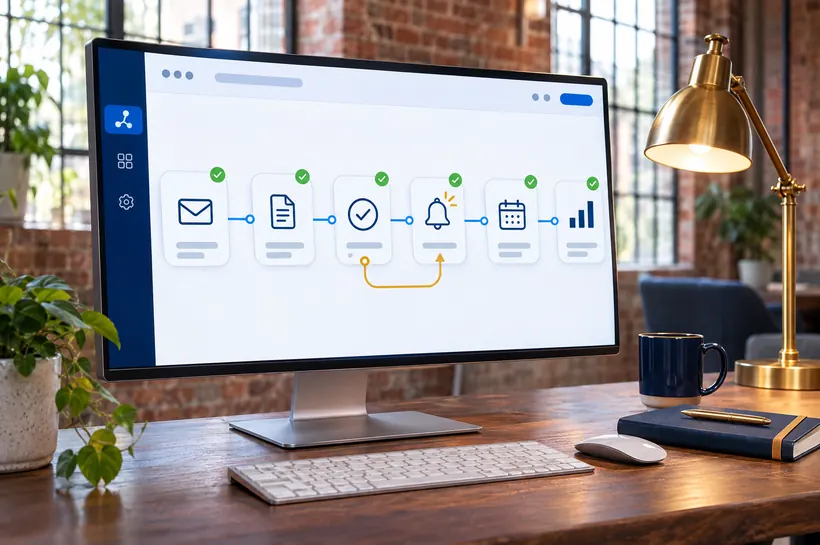
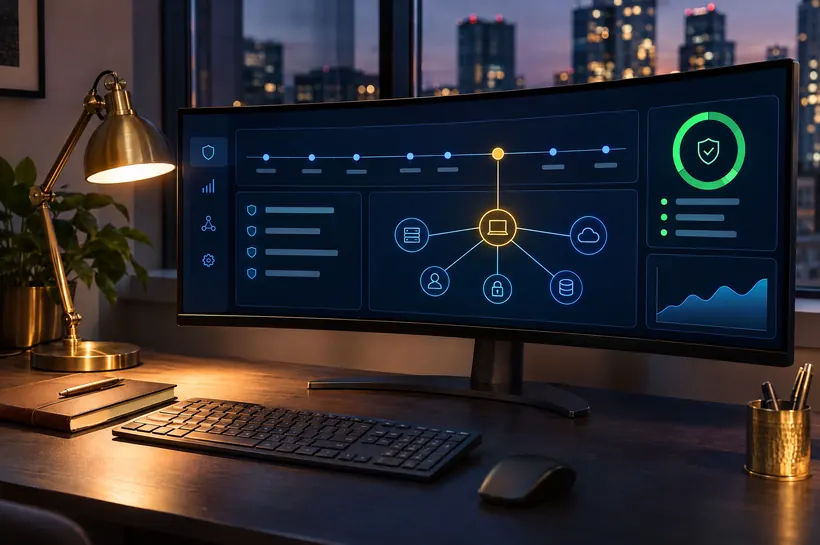
Whatever we do for you here reports back to one place, alongside everything else. No separate portal, no waiting for a monthly PDF: just the current state of things, in plain English.

See the whole pane
Your business/ managed it
Illustrative view

Good questions

Asked often.
Answered plainly.

Something we haven’t covered? Ask us directly

iWhat is RMM?

Remote monitoring and management. A small piece of software on each device reports its health, performance and security status to us, and lets us carry out routine maintenance such as clean-ups, updates and patching.

iiDoes monitoring mean you’re watching what our people do?

Monitoring looks at the device, not the person: its health, performance, updates and security status. Remote control is a different thing, used to fix a problem alongside the person who reported it.

iiiWe have our own IT person. Is this still useful?

Yes, and it’s what Device RMM is for. Your own IT person gets monitoring, patching and asset records without having to run the tools, and keeps the support side themselves.

ivHow do we know what needs replacing, and when?

Asset tracking keeps a record of your hardware and software, including its lifecycle and renewal needs. Replacements can be planned and budgeted for rather than bought in a hurry.

vCan we add support for our people later?

Yes. Moving from Device RMM to User & Device Support adds the helpdesk, remote control and hardware fault support, on the same devices.

Talk to us

Ready to see your IT clearly?

Tell us what you have today and what you’d like it to do. We’ll come back with a clear, plain-English answer and no obligation.

Start a conversation

Or email sales@itxuk.com
Already a customer? helpdesk@itxuk.com
Prefer to talk? Call 0330 236 9991 or a local number

An ITXpress consultant being welcomed with a handshake at a customer’s front door